Hadronize
CLI
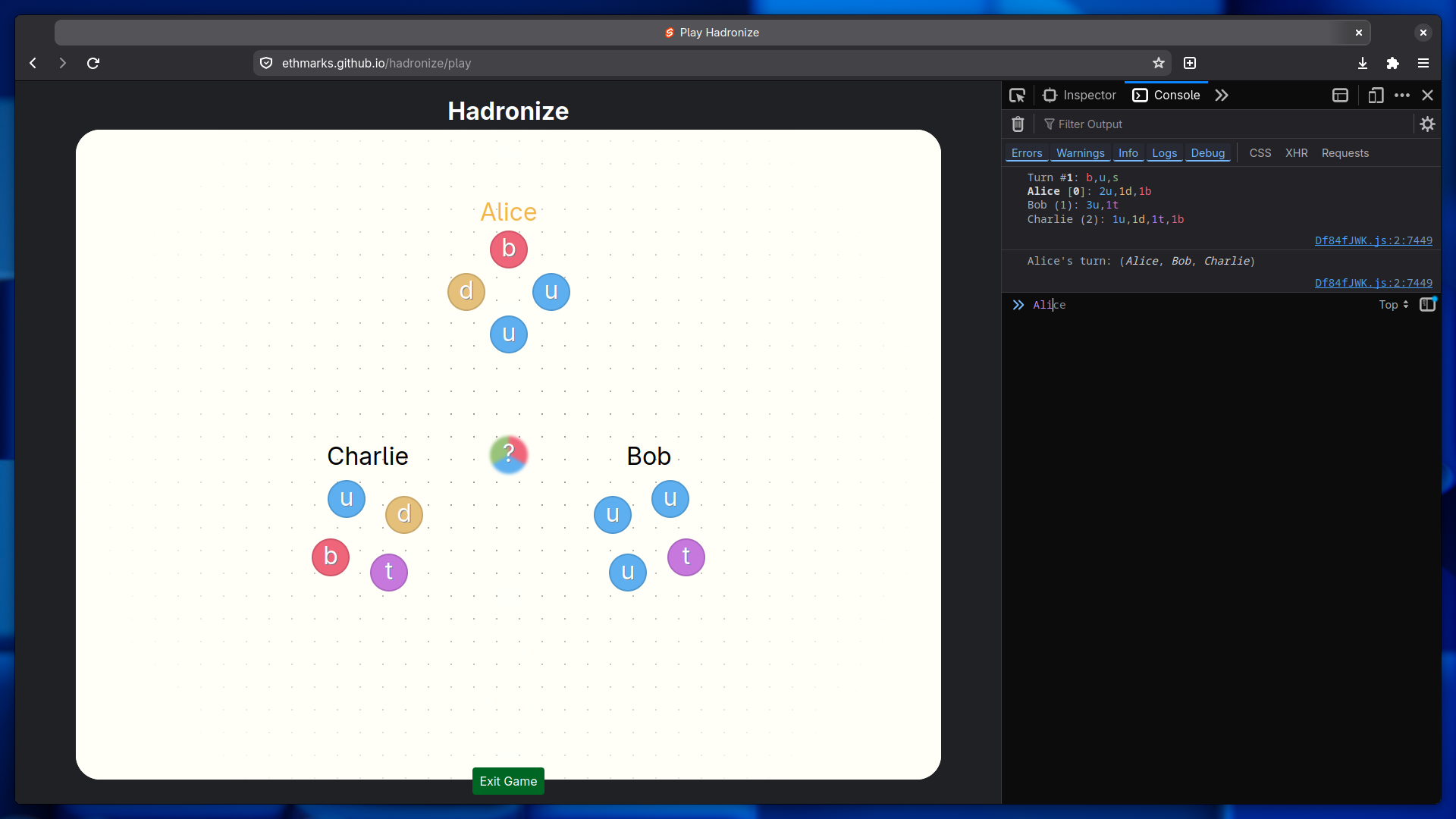
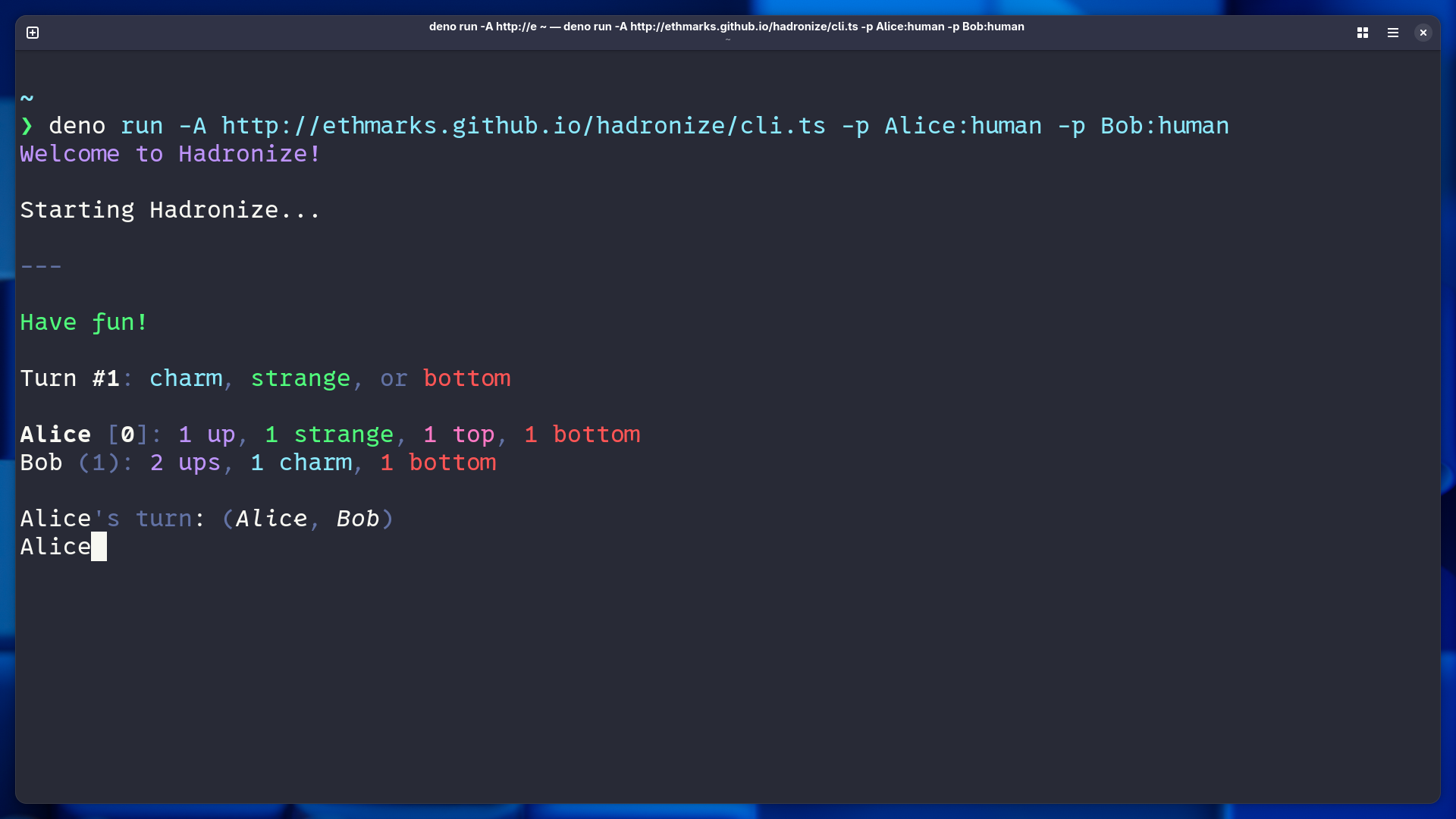
You can play Hadronize in a terminal or even a browser console if you want!
Quickstart
To play Hadronize CLI in your terminal, you can just use the command below. No installation or repo cloning needed!
deno run -A https://ethmarks.github.io/hadronize/cli.tsIf you don't have Deno installed, you can also run it using any of the other JS package managers via the Deno binary on npm.
- npm
npx deno run -A https://ethmarks.github.io/hadronize/cli.ts - pnpm
pnpm dlx deno run -A https://ethmarks.github.io/hadronize/cli.ts - bun
bunx deno run -A https://ethmarks.github.io/hadronize/cli.ts
Native
If you want to run it natively (i.e. not proxied through Deno if you're using Node or Bun), you can clone the repo and run the `cli` script:
git clone https://github.com/ethmarks/hadronize.git
cd hadronize- npm
npm install npm run cli - pnpm
pnpm install pnpm run cli - bun
bun install bun run cli - deno
deno task cli
Browser Console
You can also play Hadronize in the browser console. Just start a browser game, open your browser console with F12, and type the name of the player you want to target on your turn into the console.