Hadronize
How to Play
Welcome to Hadronize! This guide will teach you how to play.
Which platform?
- Browser (recommended): read the rest of this page.
- CLI: head to the CLI page which explains how to install Hadronize and play it in your terminal.
- Paper: head to the rules page which explains the rules at the theoretical level, which is useful if you want to play cut out cards on paper for some reason. I don't recommend this approach because then you wouldn't get to use my cool UI.
Starting a game
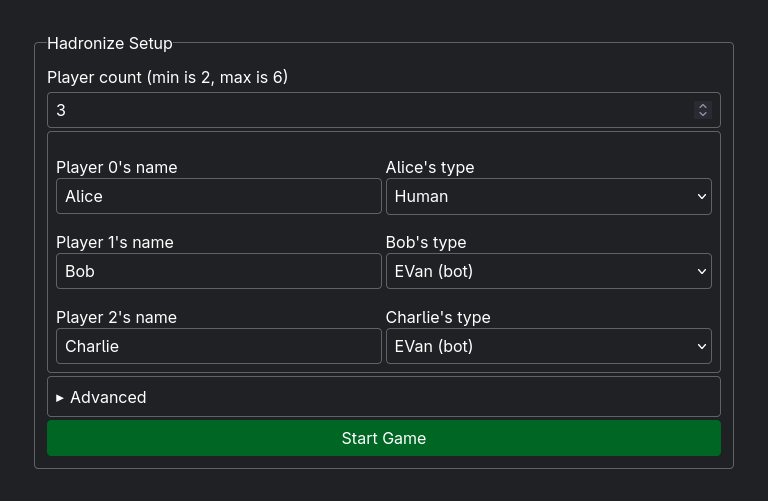
Next, you'll need to set up and start a new game of Hadronize.
- Head to the play page
- Choose your player count. Hadronize can be played with as few as 2 players, but it's much more interesting with 4-6 players in my opinion. I personally find it more fun to play with other humans, so if you're able to, you should ask a friend or two to play a quick game with you. If you can't, Hadronize has bots so you can also play singleplayer too.
- Set the names of each player. For human players, name them whatever that human would prefer to be called. For bot players, name them whatever you want. I like to name mine TARS or CASE.
- Set the types of each player. For human players, set it to "Human". For bot players, you can choose from the stock bots or make your own. If you're unsure which ones to use, I suggest using EVan for a challenge and Bogo for mild chaos.
- You shouldn't need to mess with the advanced settings, unless you're colorblind, in which case you should change the quark style to "patterned".
- Press "Start Game"
Playing
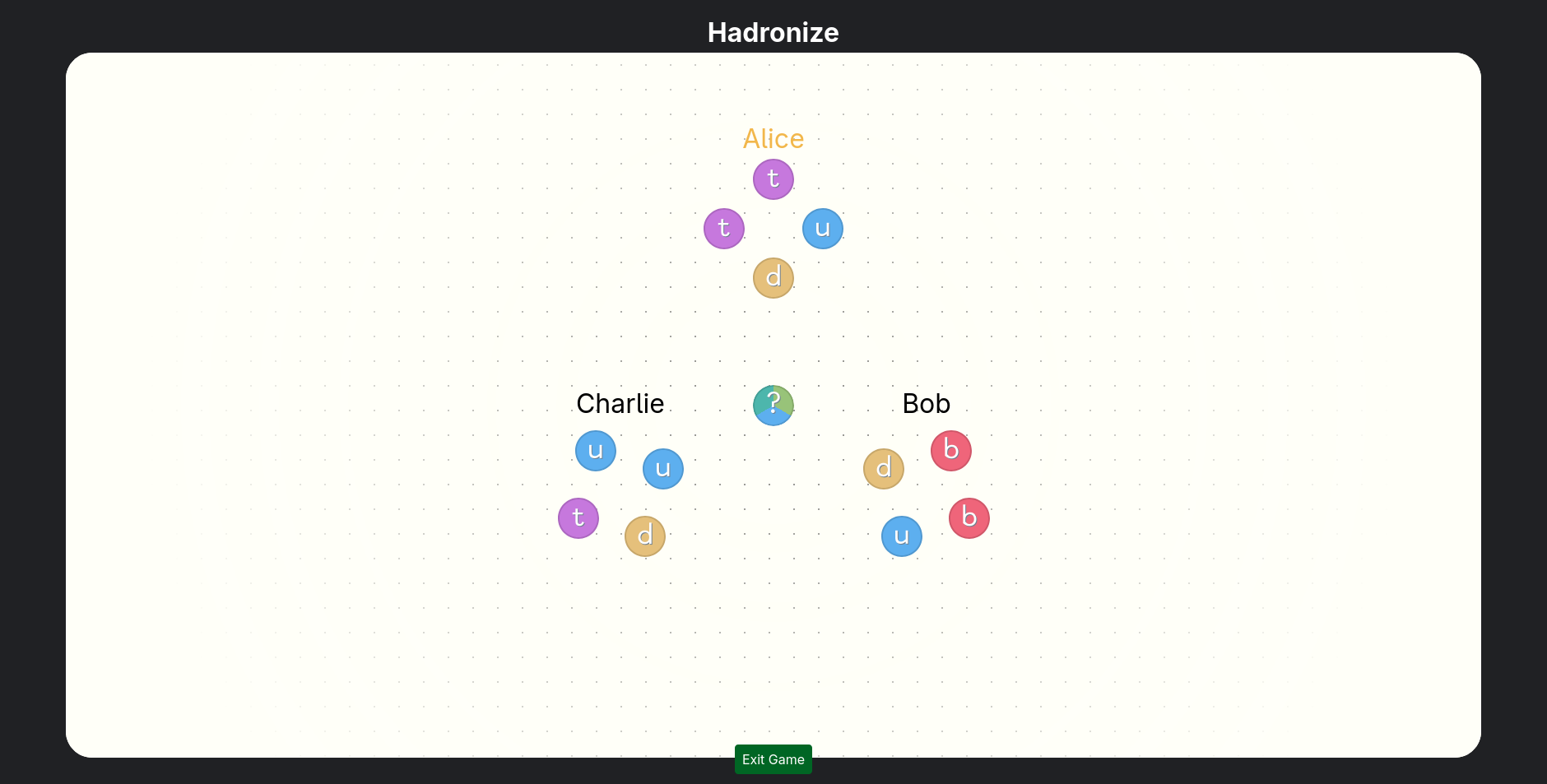
Your screen should look similar to the image above. They might be in a different arrangement if you're playing on mobile (which is supported!).
Let me explain everything that's on screen.
- The small colorful circles are quarks. Just like real-life quarks, they come in six different flavors: up, down, strange, charm, top, and bottom .
- The clusters of quarks with player names above them are chambers. They're basically each player's "hand" of quarks.
- The quark in the center of the screen is the superposed quark. It's in a superposition between three different flavors, and we don't know which one it is until we collapse the superposition.
Quark Reactions
When you collapse a superposed quark (more on how that happens in the next section) into a chamber, one of three things can happen.
No reaction. If the chamber doesn't have any of the flavor that the superposed quark collapses into, nothing happens. It's just added to the chamber.
In the example below, the superposed quark turned out to be up, but Alice didn't have any up quarks, so there was no reaction.
Tunneling. If the chamber does have at least one quark of the flavor that the superposed quark collapses into, and the chamber it collapsed into is not the chamber of the player whose turn it is, all quarks of that flavor immediately quantum-tunnel to the player whose turn it is.
In the example below, the quark turned out to be strange, and Charlie already had a strange quark. Because the quark went to Charlie but it was Alice's turn, all of Charlie's strange quarks plus the superposed quark went to Alice's chamber.
Hadronization. If the chamber does have at least one quark of the flavor that the superposed quark collapses into, and the chamber it collapsed into is the chamber of the player whose turn it is, all quarks of that flavor turn into hadrons, which represent player score.
In the example below, the quark turned out to be strange, and Alice already had a strange quark. Because the quark went to Alice and it was Alice's turn, all of her strange quarks plus the superposed quark all hadronized together.
Taking a turn
On your turn, all that you have to do is decide who the new superposed quark goes to. That's it. I'll leave the strategy to you, but let me explain how to actually enter your input.
Desktop: just drag and drop the superposed quark onto your target chamber. An indicator will appear around the chamber when you've dragged the quark close enough.
Mobile: just tap on your target chamber. Simple as that.
Browser console (bonus): you can also play Hadronize in the browser console! Just type in the name of the player whose chamber you want to target.
How does it work? Magic! (aka dynamically creating named window properties that are objects with anonymous getters that invoke a function that resolves a void promise).
Winning
The game immediately ends when a player hadronizes 10 or more quarks. Whoever does it first is the winner.
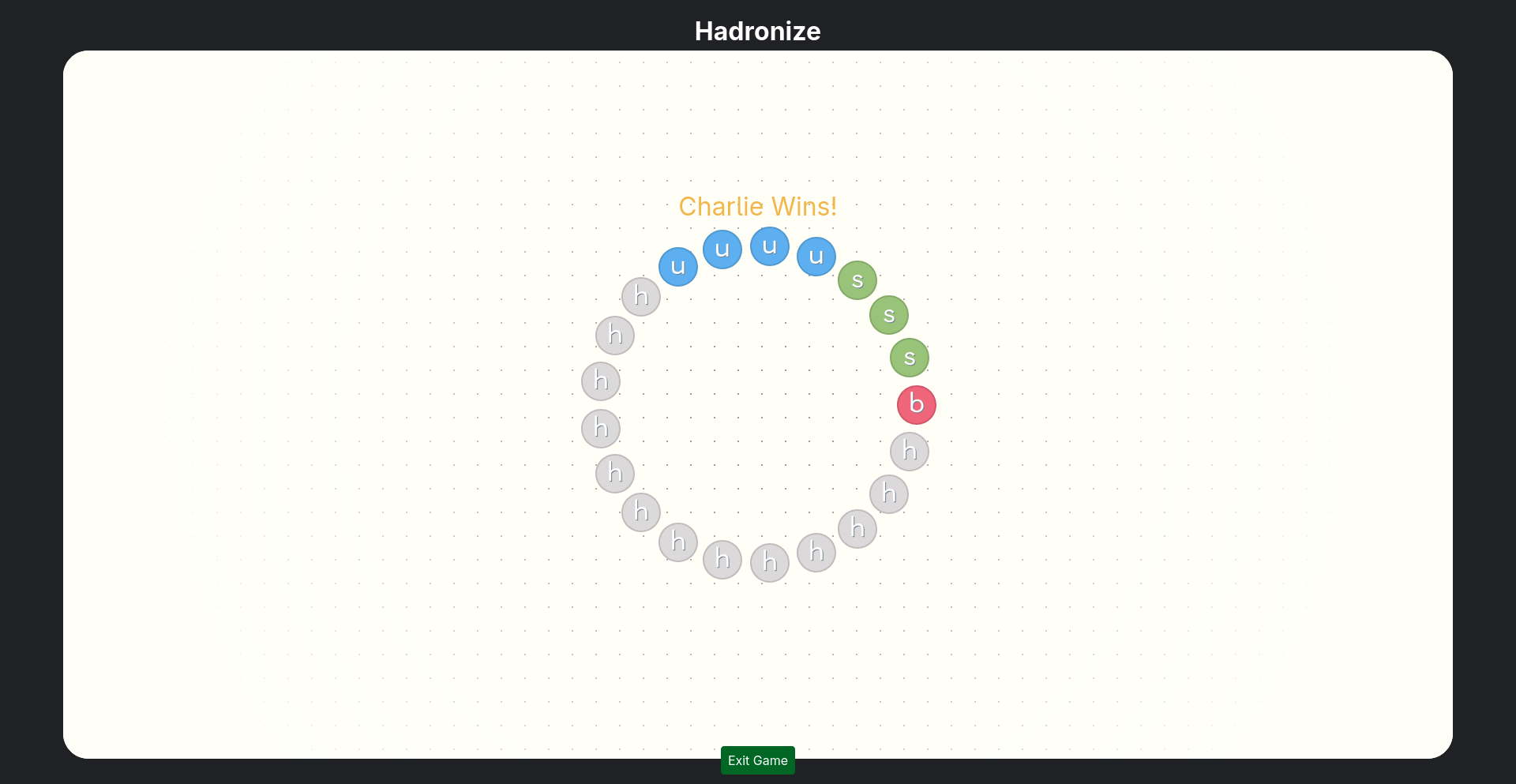
Note: for technical reasons, there's a hardcoded limit of 300 turns. If you reach this limit, the game will unceremoniously end. In my many many hours of developing Hadronize (more than 100) and many playtests with friends, I have never once hit the turn limit unless I was specifically trying to for testing purposes. If you manage to accidentally encounter the turn limit, you should feel accomplished.
Conclusion
Congratulations! You now know how to play Hadronize. Go play!
While you're here, did you know that the theme of Hadronize is based on actual physics?
Hadronization is a real process where quarks bond together via the strong nuclear force and form hadrons. In reality, the only standard configurations are groups of threes (which are called baryons). Mesons are hadrons made of two quarks, but they only form matter-antimatter pairs. Groups of four (tetraquarks) and five (pentaquarks) do exist, but they're extremely unstable. Also, baryons usually aren't composed of all the same flavor. There are some exceptions, like Delta-plus-plus baryons, but they're also extremely unstable.
As you can see, I had to compromise a bit on scientific realism to avoid making the game boring, but hopefully you'll agree that Hadronize is more realistic than most works with a "quantum" theme.